Settings, Billing, and Support
Settings
All Settings screens use the label Save changes (or Saving… while in flight) for their primary action.
Screen |
Route |
Purpose |
|---|---|---|
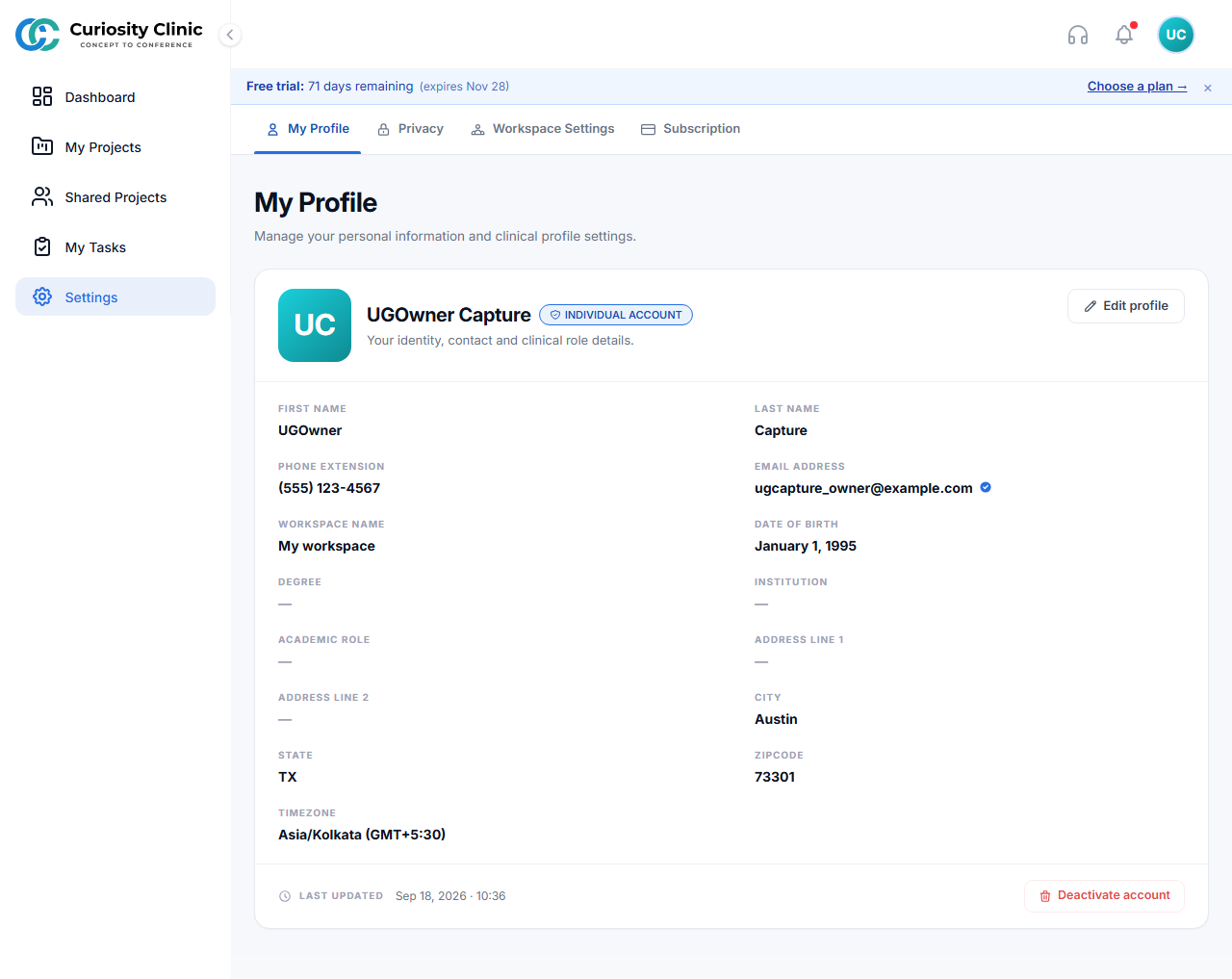
My Profile |
|
Personal profile details |
Institution |
|
Institution details and contacts — shown only to institution owners |
Privacy |
|
Personal privacy preferences |
Workspace Settings |
|
Workspace name, and the workspace’s members and their roles — see Roles and Permissions for the invite/remove matrix. “Your role has been updated” and “Member removed” notifications open here |
Subscription |
|
View/manage the workspace’s subscription (institution owners see their institution’s plan) |
Note
Older links to /settings/organization, /settings/team, and /settings/audit-log still resolve, but they open My Profile — organization and member management now live under Workspace Settings.
Settings: My Profile
Billing
Screen |
Route |
Purpose |
Key Actions |
|---|---|---|---|
Billing |
|
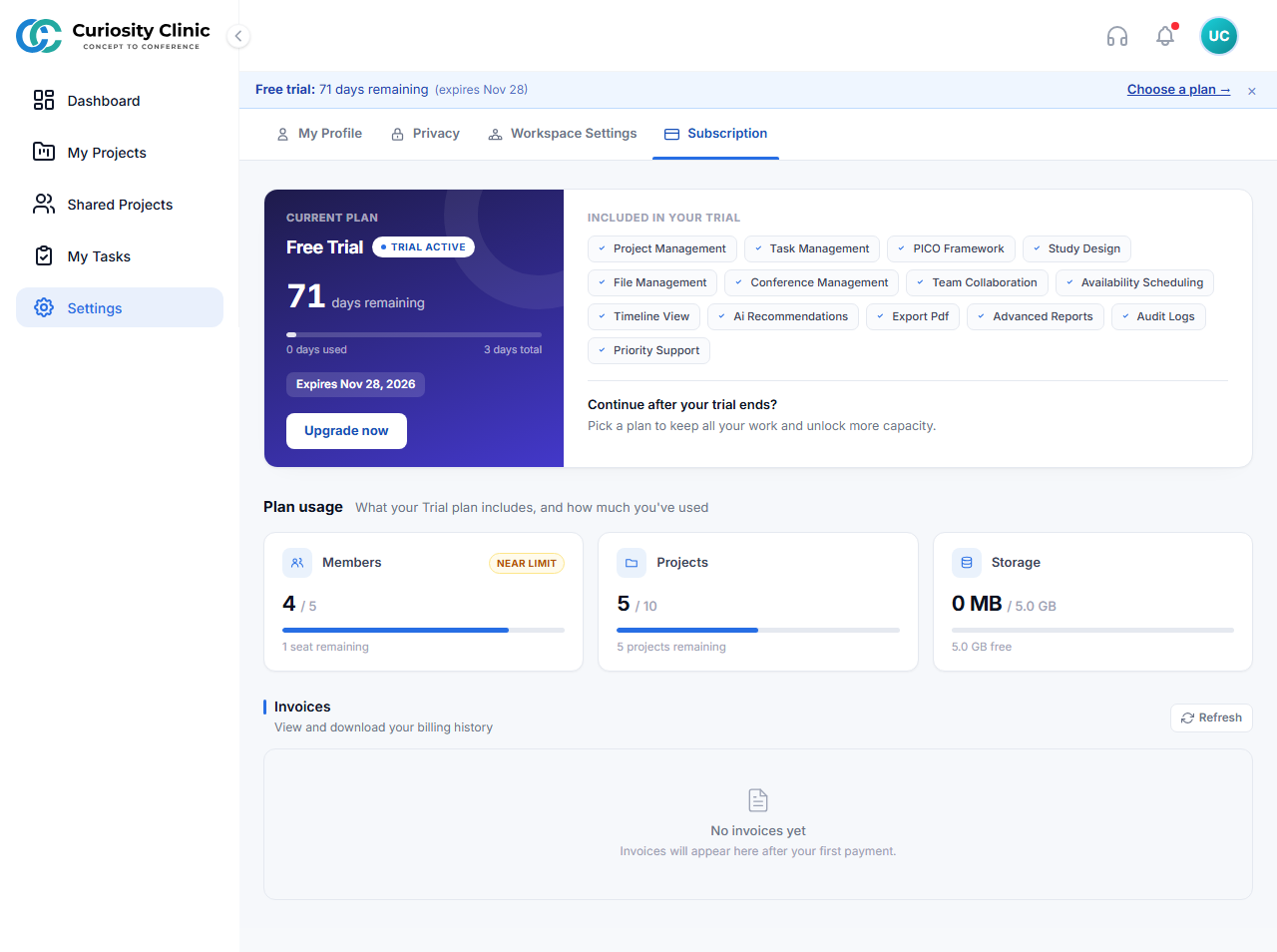
Manage the workspace’s subscription |
View plan/invoices, change plan |
Change Plan |
— |
Compare and switch plans |
Get Started / Upgrade Plan |
Billing
Support
Screen |
Route |
Purpose |
Key Actions |
|---|---|---|---|
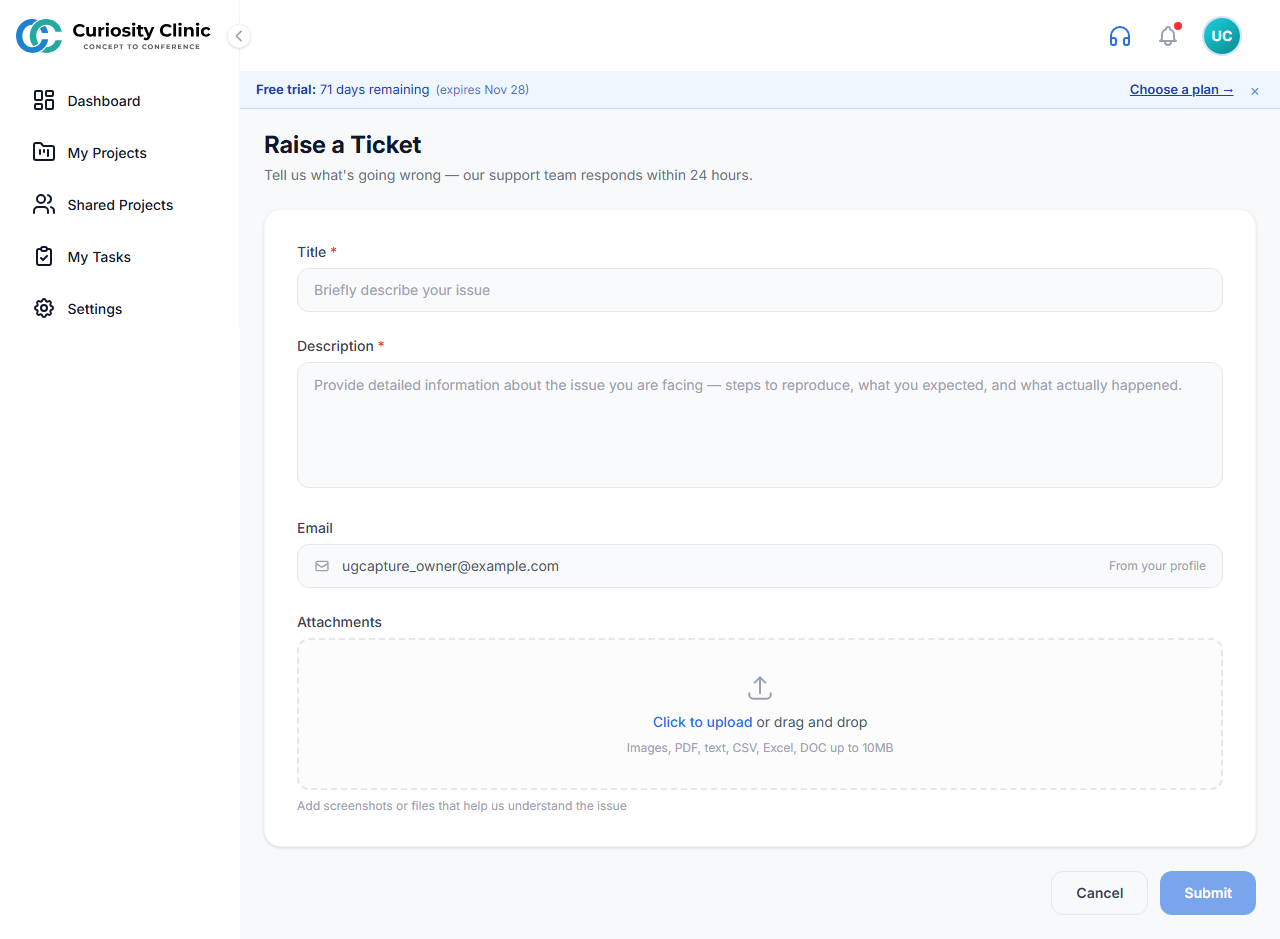
Raise Ticket |
|
Submit a support request |
Fill the form, select Submit (Submitting… while in flight), Cancel |
Raise Ticket